 Diskfern
Live scan updates
Open the map you already scanned
Diskfern remembers your last scan, catches up with changes, and keeps the map useful without making you start over every time.
Short answer
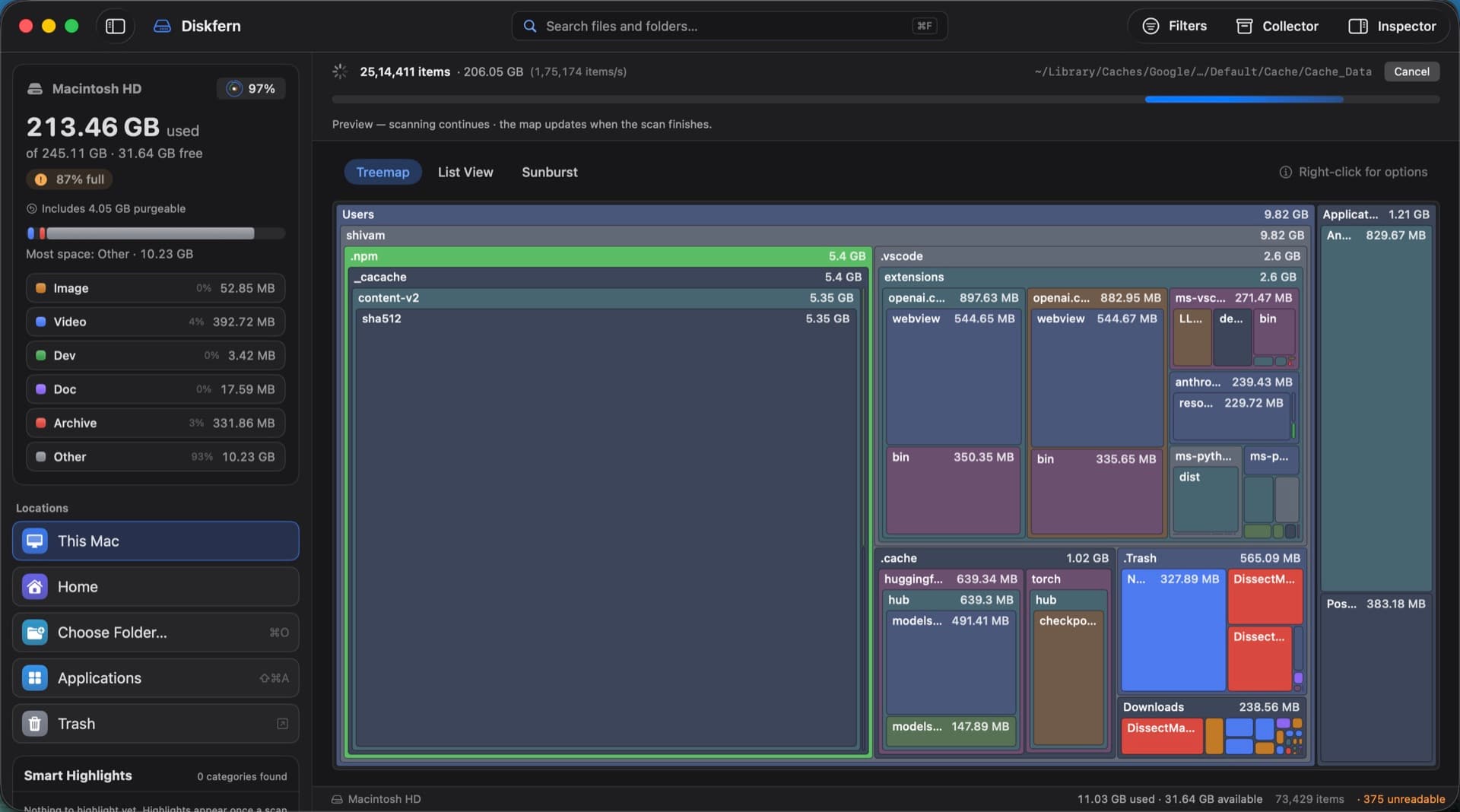
A compact saved scan lets Diskfern restore your map quickly. While the app is open it watches for changes, refreshes affected sizes, and updates free-space figures after cleanup.
01
Continue where you left off
Your previous map can appear as soon as Diskfern opens, ready for browsing while a fresh scan remains your choice.
- Remember the last scan
- Fast saved-map loading
- Clear scan data any time
02
Catch up without rescanning everything
Diskfern asks macOS what changed while it was closed and updates the affected parts of the scan.
- Incremental refresh
- Live size changes
- Free-space refresh after cleanup
03
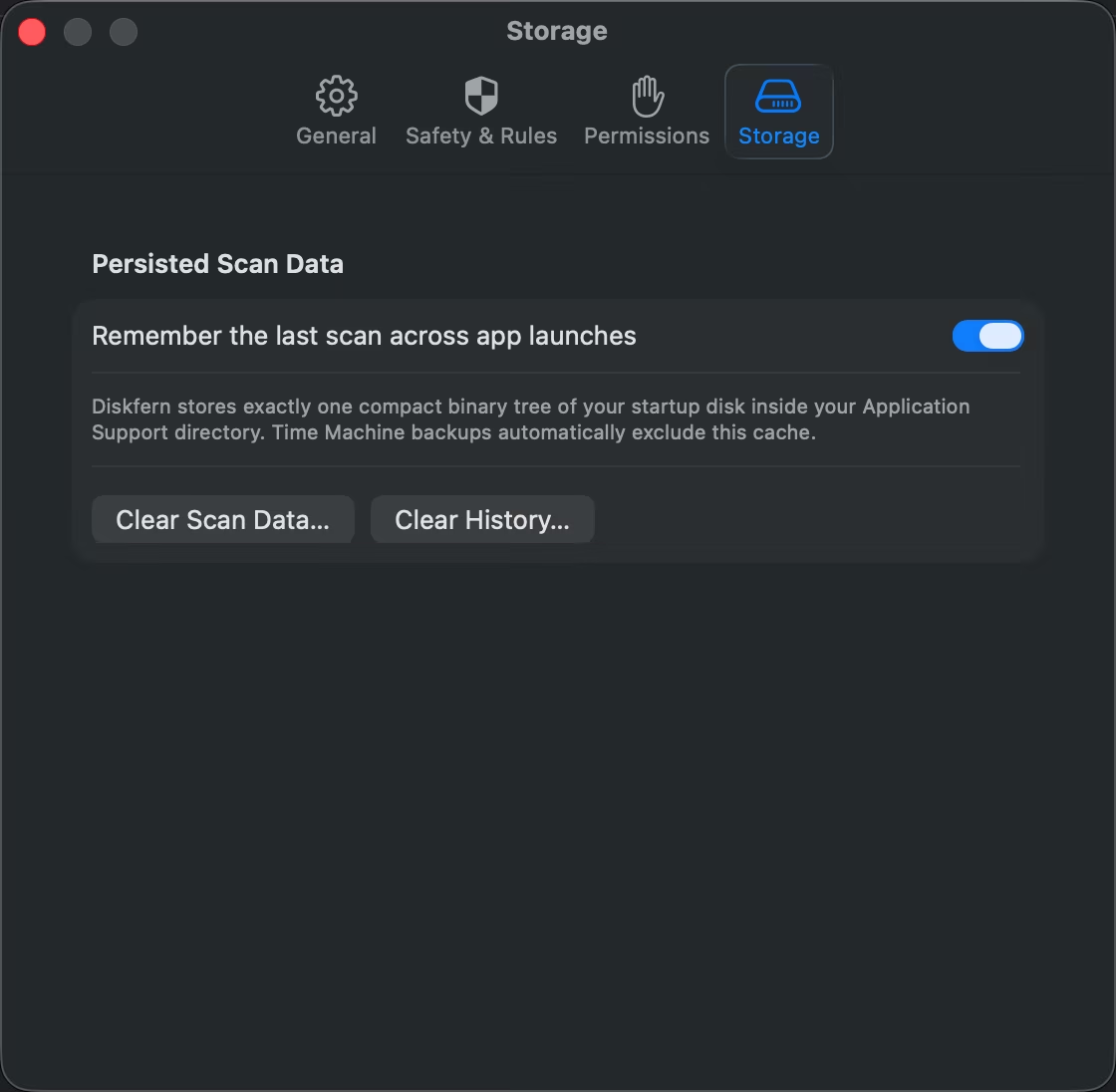
You decide what is remembered
Storage settings put saved scans and history under your control, with simple buttons to clear either one.
- Local scan data
- Clear Scan Data
- Clear History
Questions about Live scan updates
Is the saved scan uploaded?
No. It stays on your Mac.
Can I turn scan memory off?
Yes, in Settings → Storage.
Does it notice new and removed files?
Diskfern watches disk changes while open and can catch up with changes after relaunch.
Can I force a completely fresh scan?
Yes. Rescan Everything starts over from the selected scan target.

Get your space back. Start with a free scan.
Explore the files and folders Diskfern can read. Your files stay on your Mac, and nothing is removed until you say so.
macOS 14 Sonoma or later · Apple silicon and Intel