 Diskfern
Features
See what is taking space. Know what to do next.
Fourteen focused tools take you from a crowded disk to a clear decision. Your files stay on your Mac.
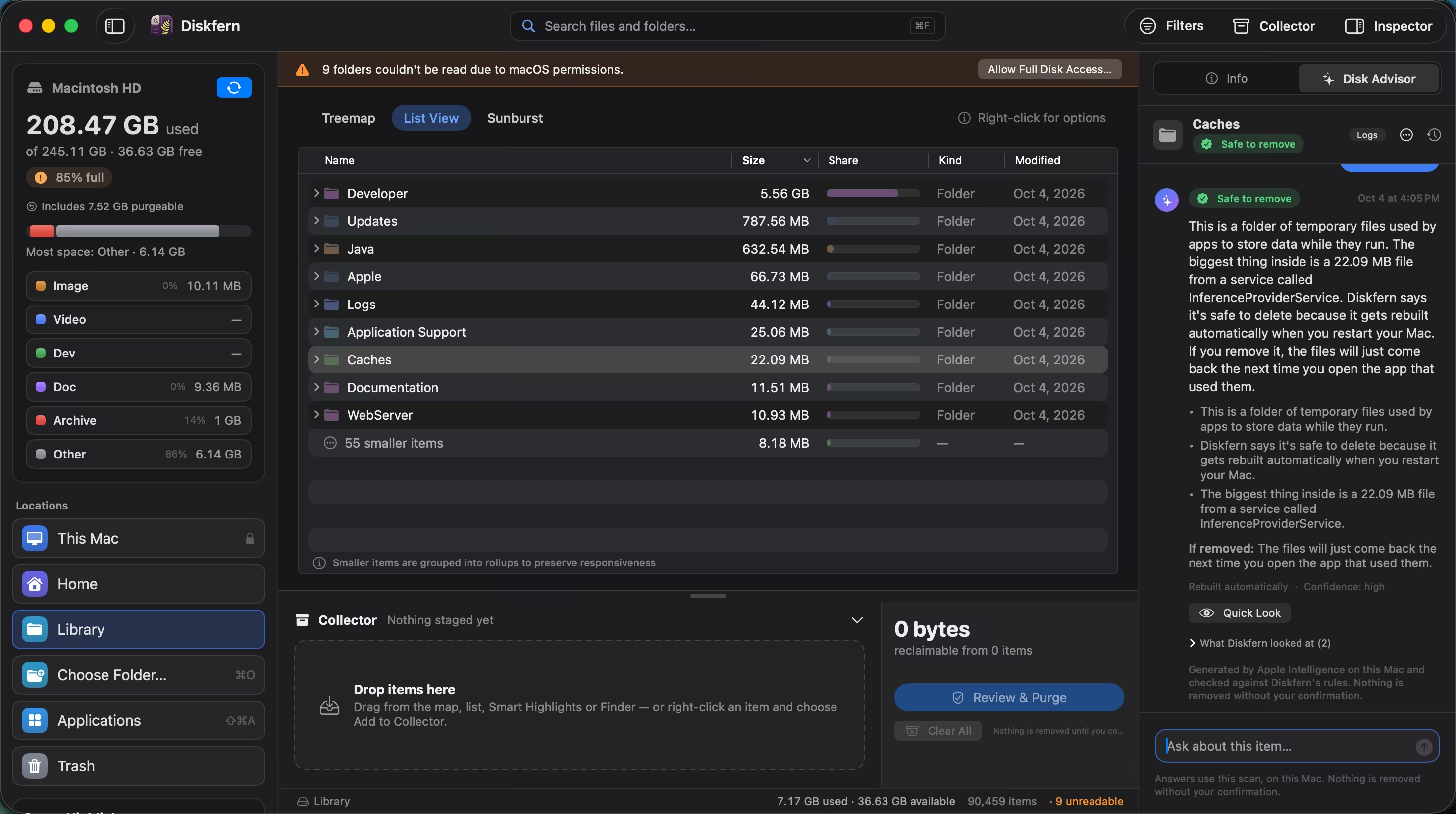
A disk space analyzer that feels like part of macOS
Map readable folders, then move from the big picture to individual files without losing your place.
Explore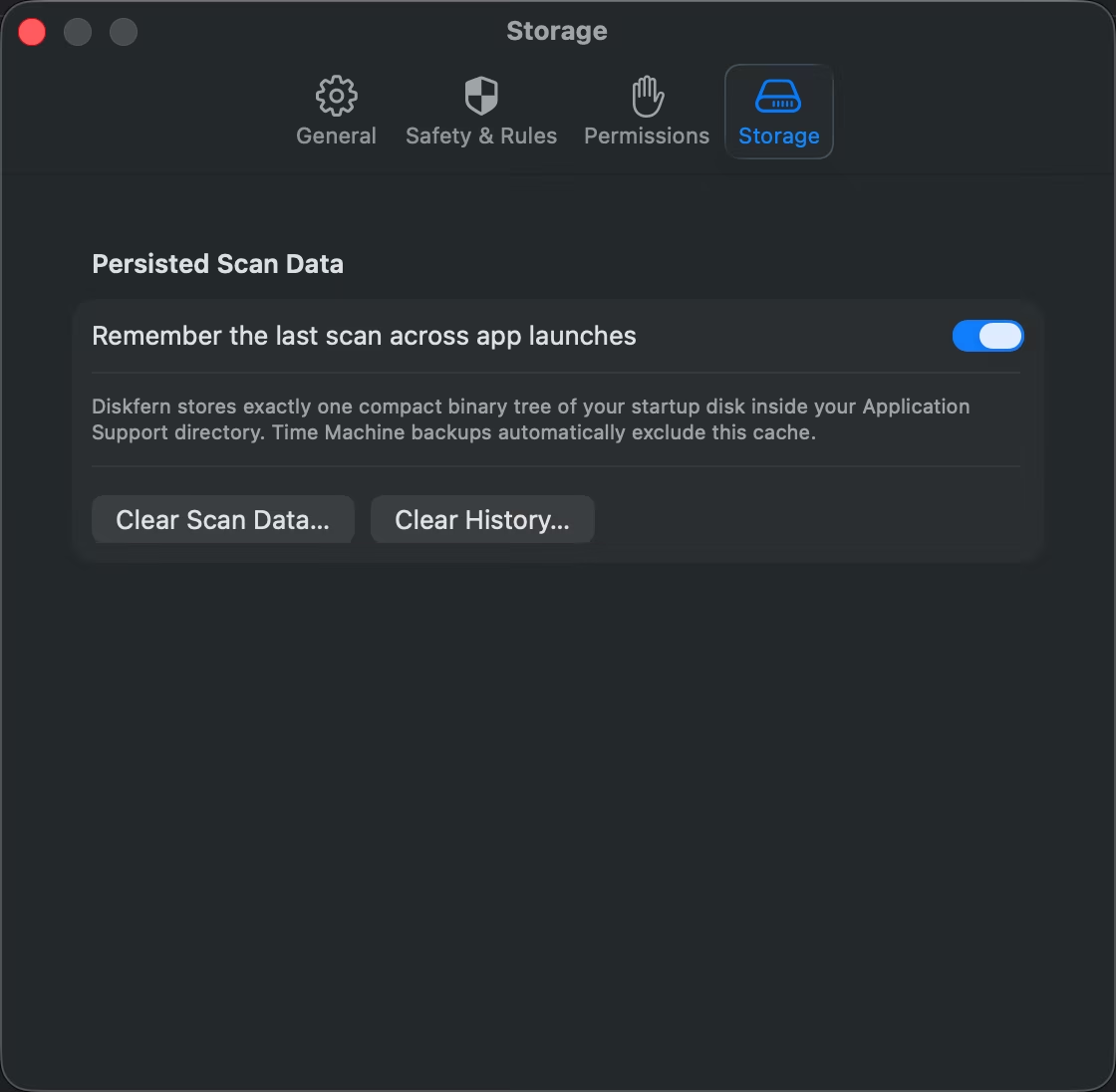
Open the map you already scanned
Diskfern remembers your last scan, catches up with changes, and keeps the map useful without making you start over every time.
Explore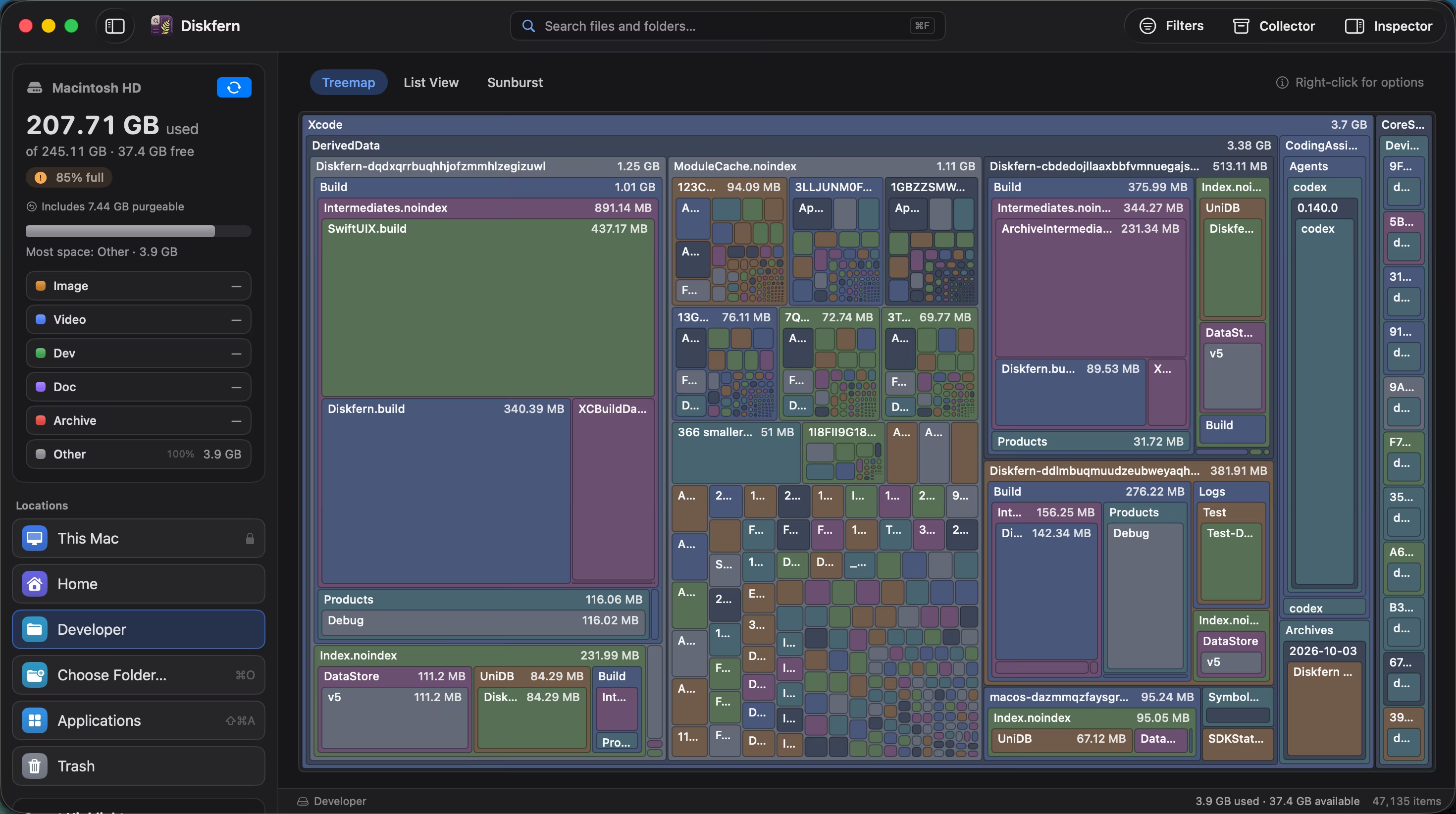
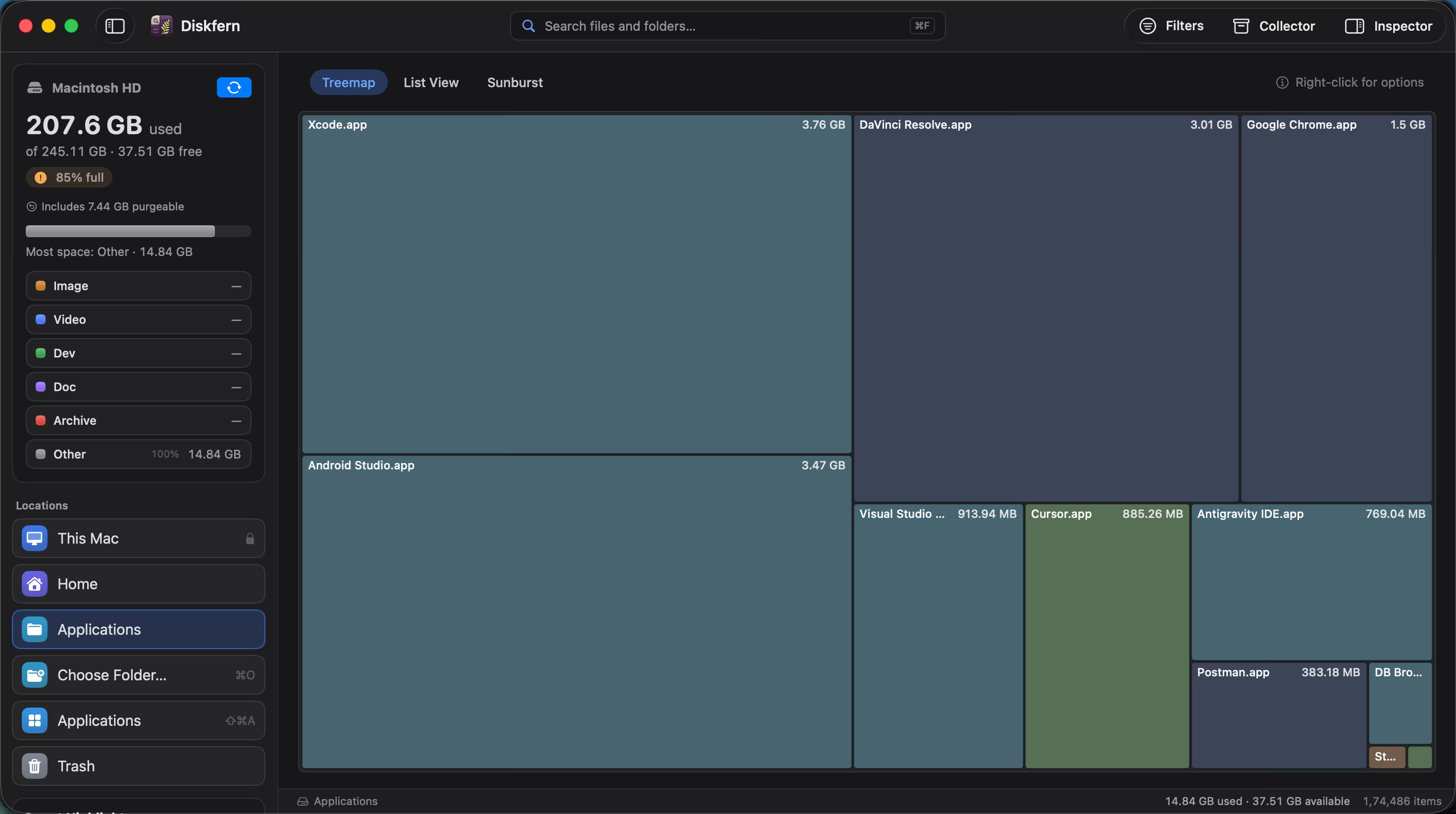
See your biggest folders before reading a list
Every rectangle is a real file or folder, sized by the space it uses. The things worth investigating become hard to miss.
Explore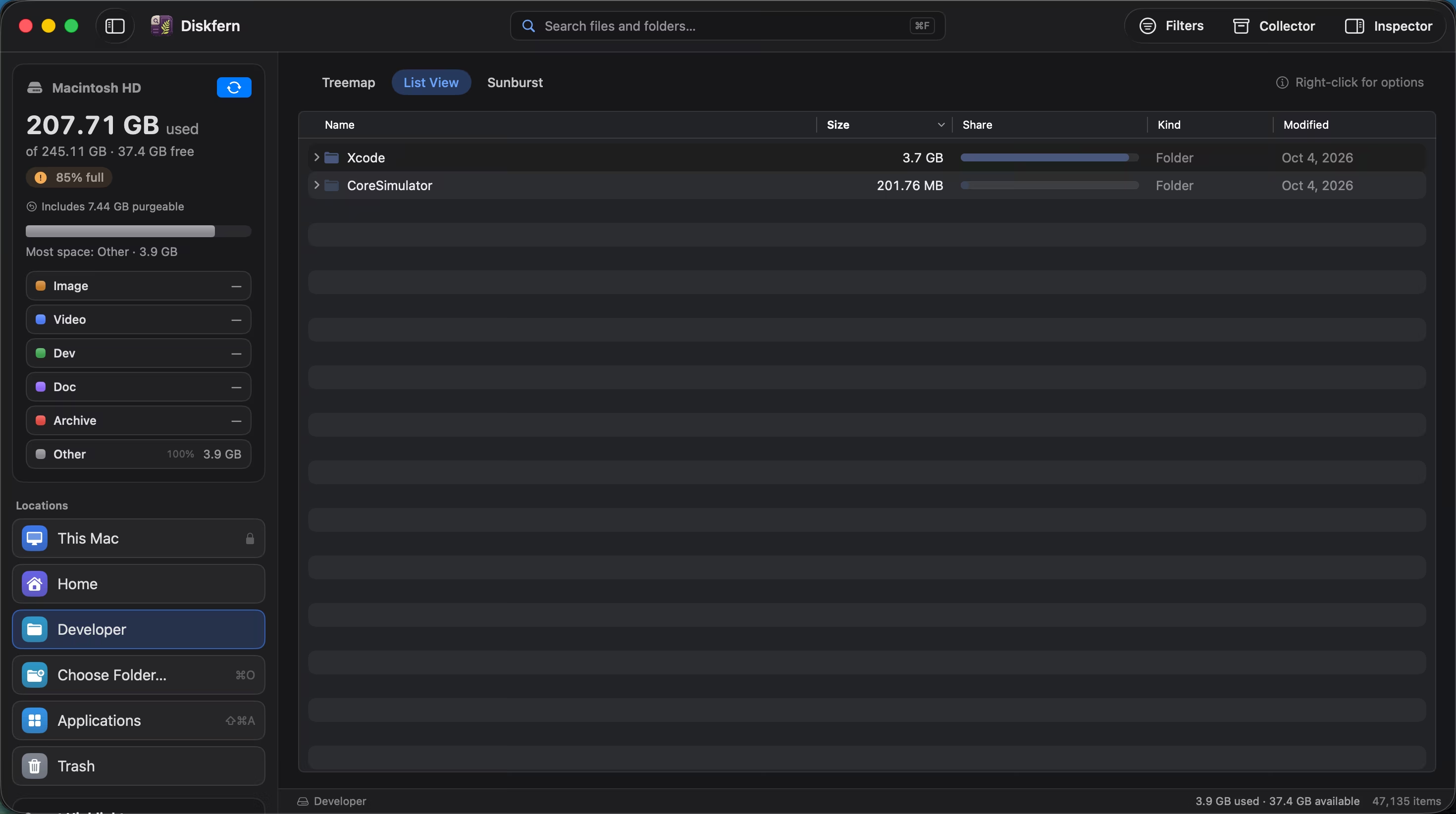
When you want the exact number, use the list
Sort names, sizes, shares, kinds and dates in a precise table, then expand folders without leaving your place.
Explore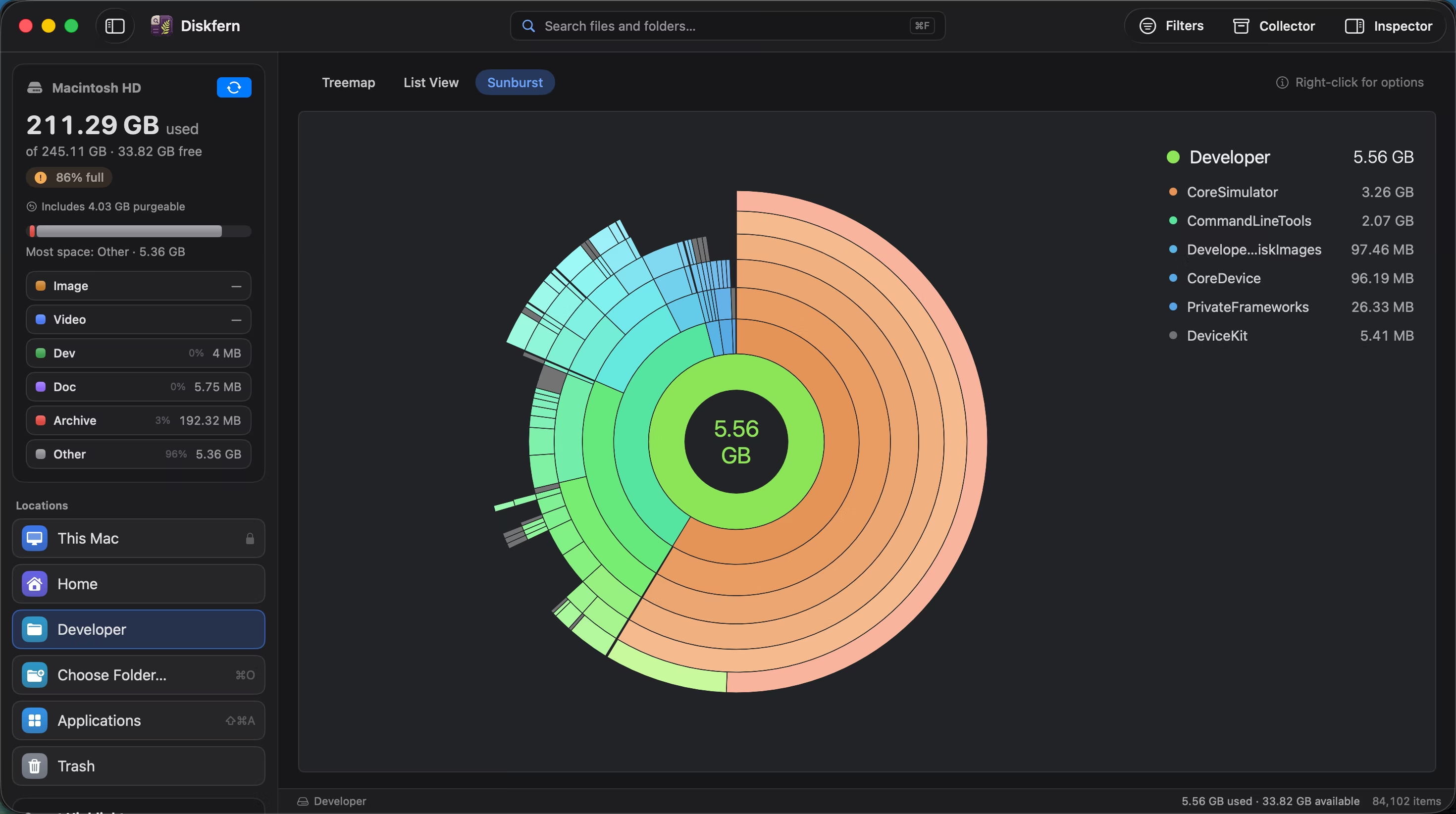
See how storage nests, ring by ring
Start at the centre and follow folders outward. Sunburst makes deep storage hierarchies easier to understand at a glance.
Explore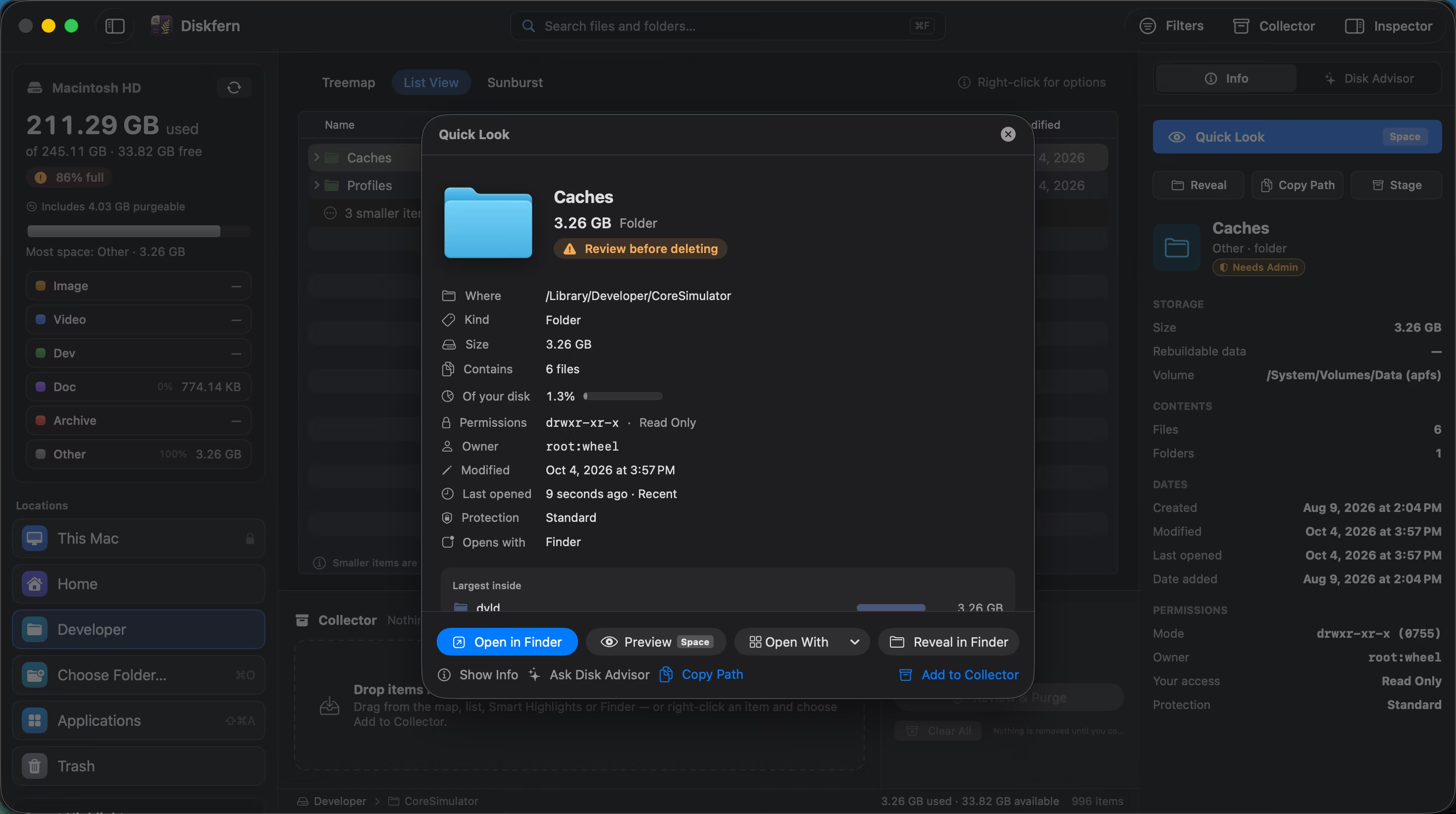
Know what something is before you touch it
Open a native preview, see its real path and permissions, and check why Diskfern marked it Safe, Review first, or Protected.
Explore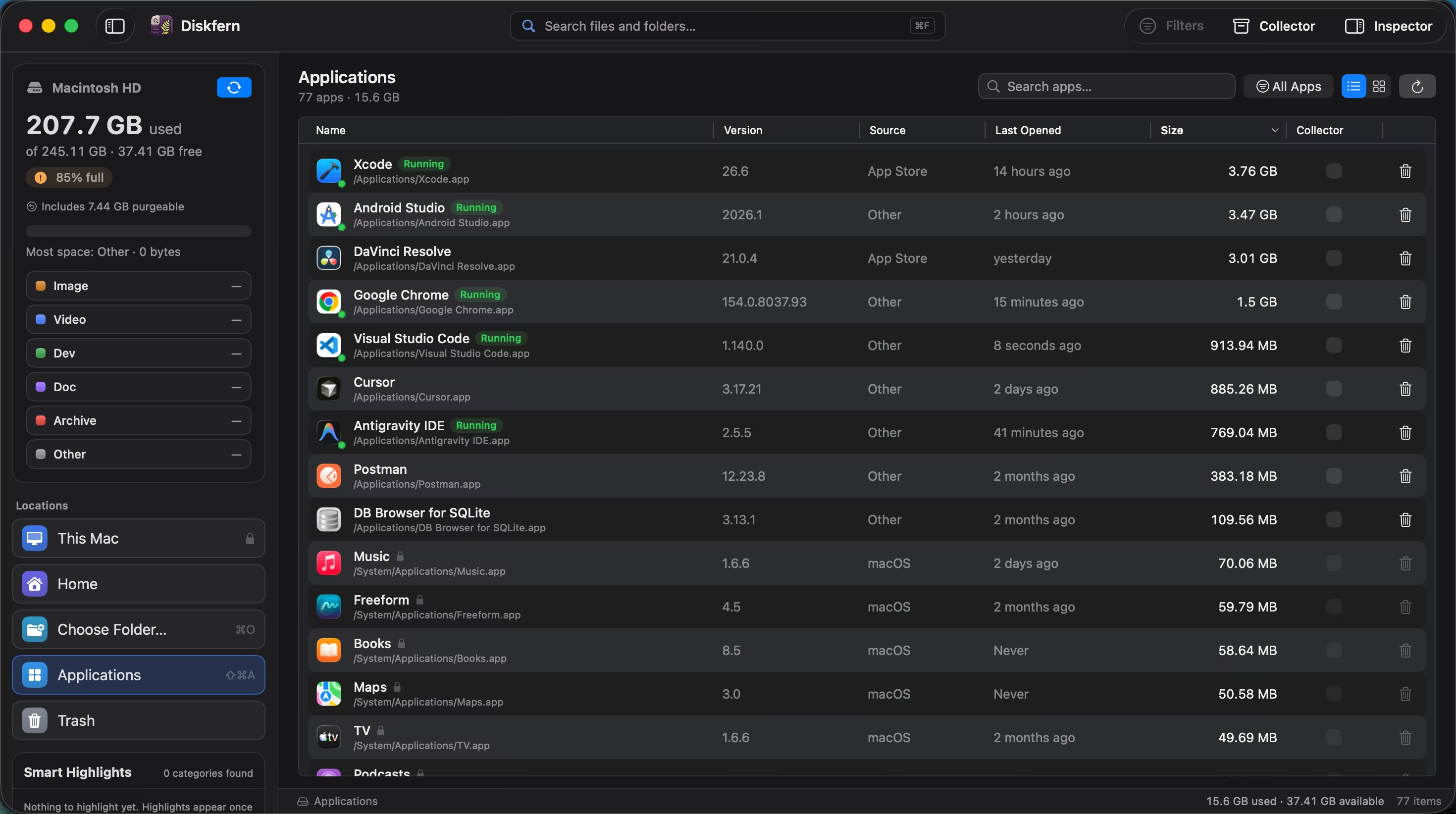
See what every app really weighs
Browse installed apps with their on-disk size, filter the list, and review an app before deciding whether it still earns its space.
Explore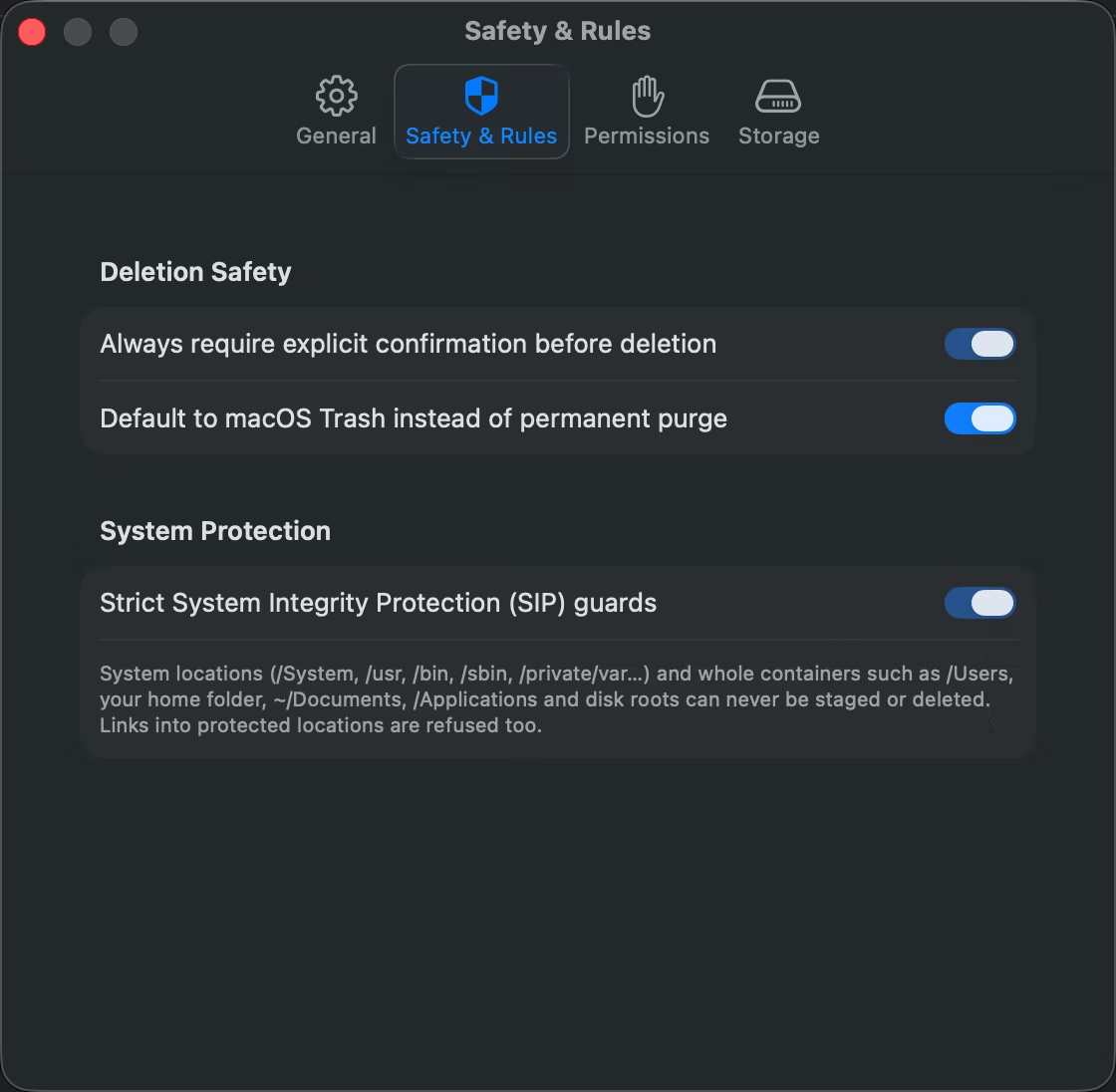
Safety you can see and control
Choose the default view, keep Trash-first cleanup, review permissions, and decide whether Diskfern remembers your scan.
Explore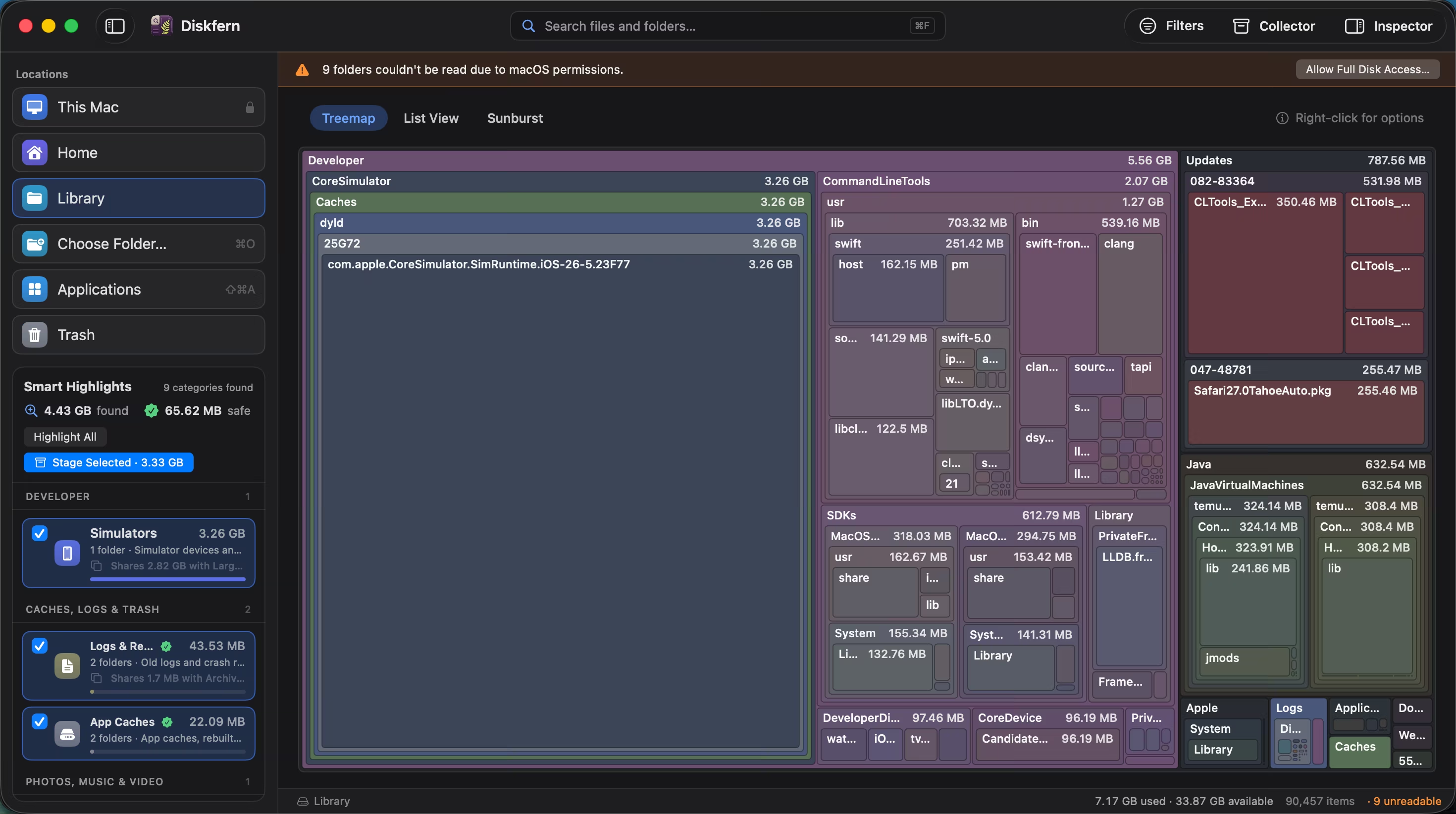
What you can safely remove, labelled
Turn a wall of folders into useful categories with clear Safe, Review first, and Protected guidance.
ExploreReclaim the space your dev tools quietly take
Bring Xcode, Android, Docker, package caches, and local AI models into one readable map.
Explore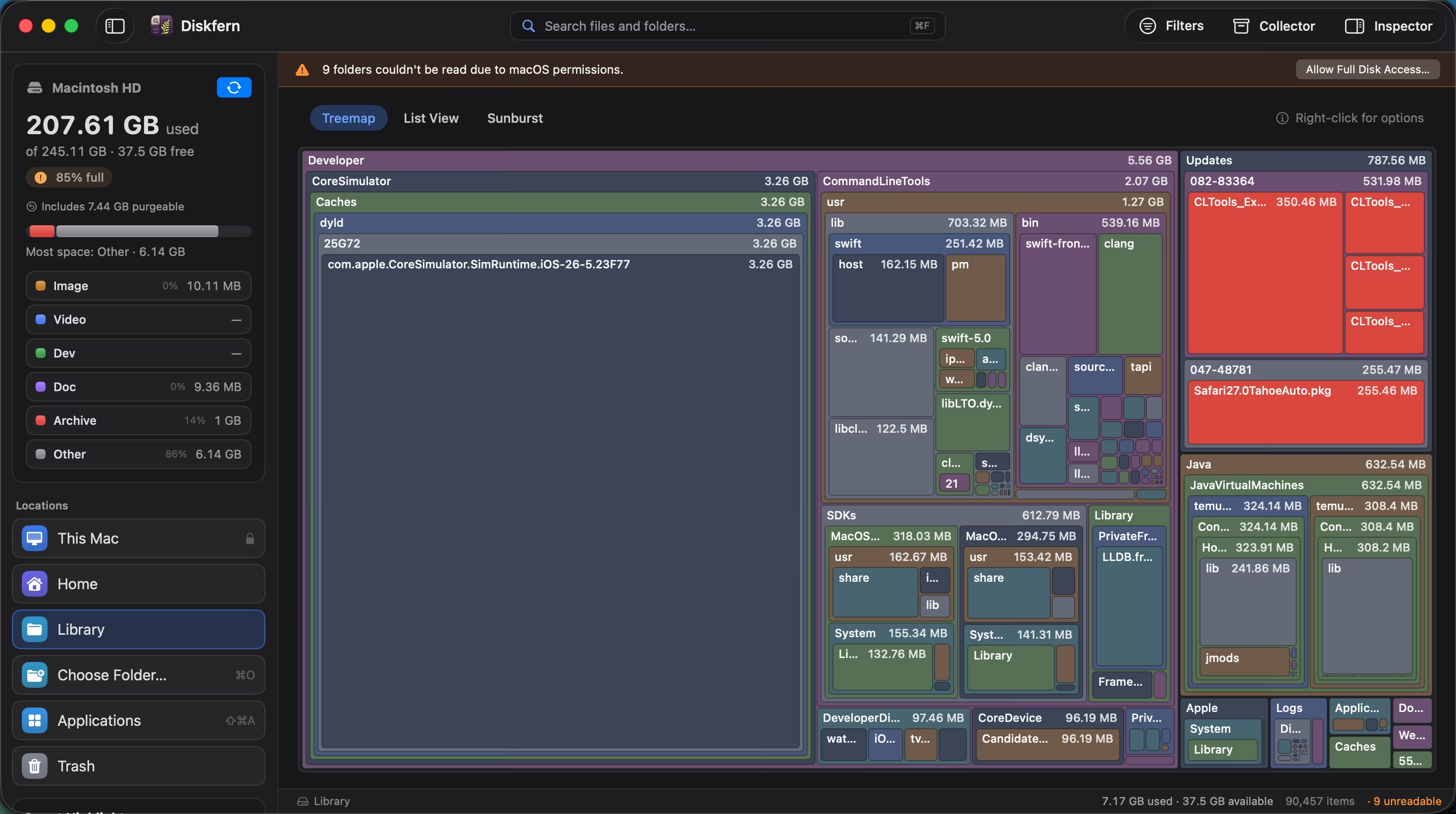
Finally see what’s inside System Data
Replace one opaque storage bar with the actual folders and files behind it.
Explore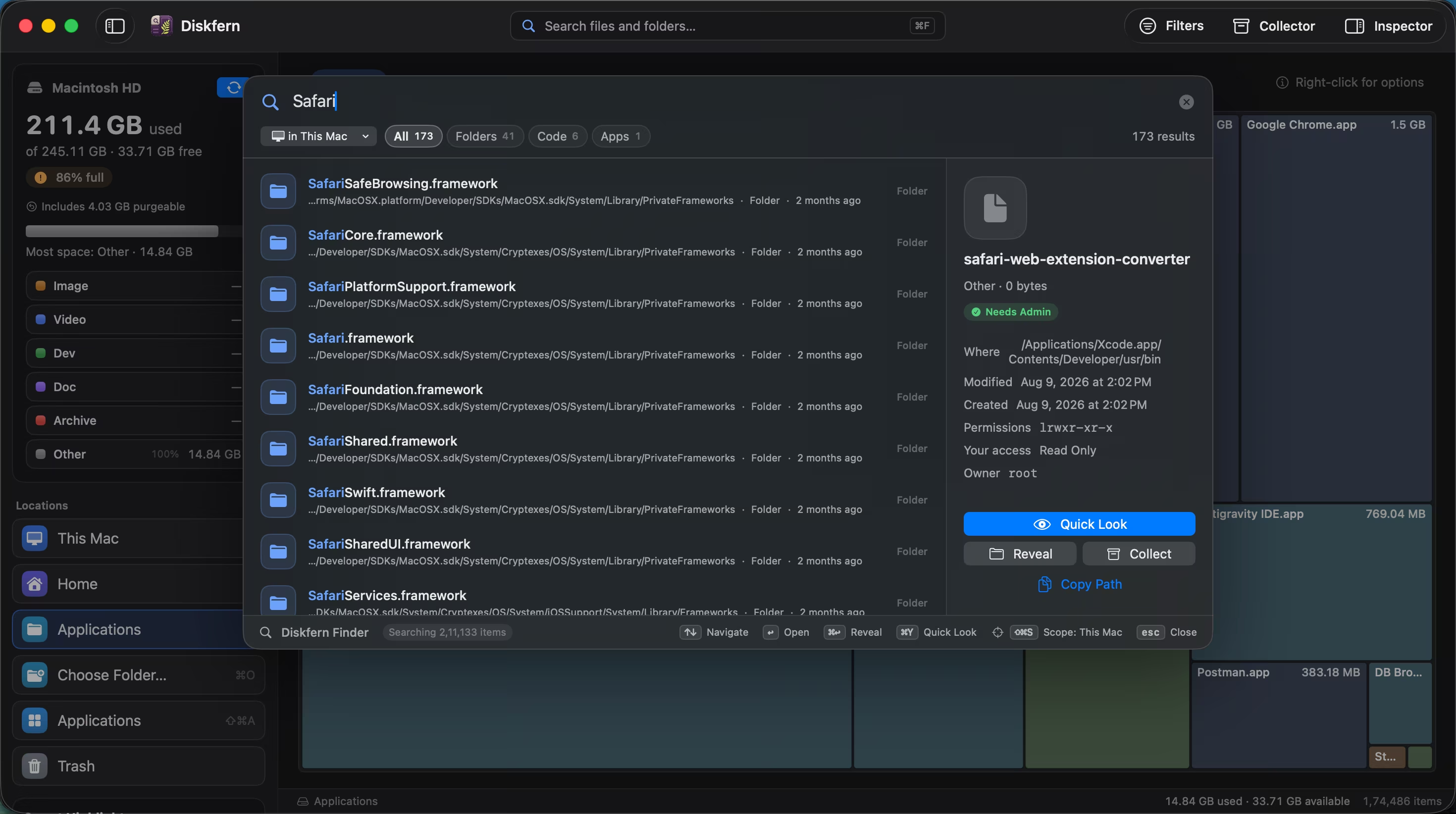
Find large files with natural-language search
Search with natural queries like 'videos > 1gb', 'pdf this month', or 'screenshots this week'. Words automatically convert into smart filter pills.
Explore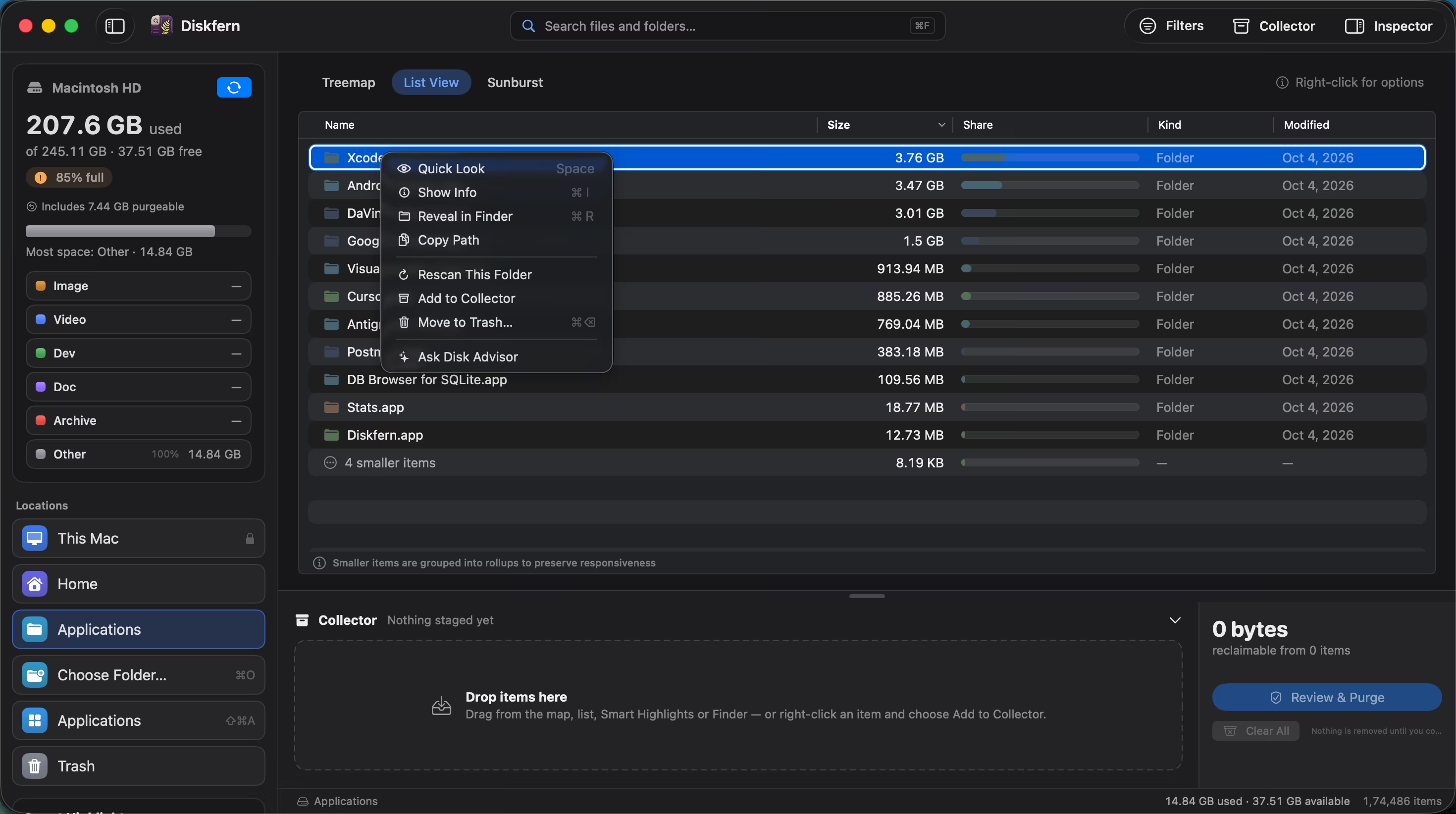
Clean up without the fear
Collect candidates, review every choice, and move approved items to the Trash rather than erasing them silently.
Explore
Get your space back. Start with a free scan.
Explore the files and folders Diskfern can read. Your files stay on your Mac, and nothing is removed until you say so.
macOS 14 Sonoma or later · Apple silicon and Intel